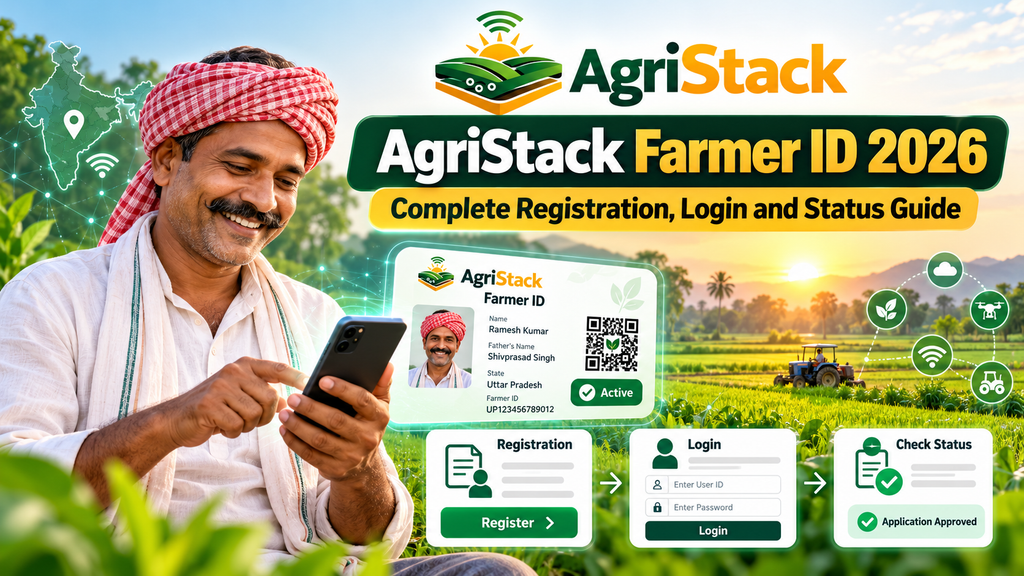
AgriStack Farmer ID 2026: Complete Registration, Login and Status Guide
Farmer ID is a digital identity connected to the State Farmers Registry. It is created through state-managed workflows that link a farmer’s identity with verified land records. It is not the same thing as an Aadhaar card, a PM-Kisan payment number or a new proof of land ownership.
Quick answer: A practical starting point for understanding a Farmer ID, finding the correct state portal, registering and checking progress.
At a glance: what you need to know
- Main topic: AgriStack Farmer ID.
- The Farmers Registry is managed through state and union territory systems.
- Registration or a digital record does not guarantee approval for a separate government scheme.
- Use official government sources; never share OTPs or bank passwords with helpers.
- If the portal does not show a feature, confirm whether it exists in your state instead of trying an unofficial site.
How the official AgriStack system works
AgriStack is a digital agriculture framework under India’s Digital Agriculture Mission. Government documents describe three main foundations: the Farmers Registry, a registry of geo-referenced village maps, and a Crop Sown Registry. State and union territory governments create and maintain these records. The aim is to make farmer-focused services easier and more consistent, not to replace every existing state department.
The Farmers Registry can use verified identity and digitized land details to support service delivery. A person may see different terminology in different states, such as registration, enrollment, bucket claiming, status checking or a digitally verifiable credential. Those steps should not be assumed to be identical. The authoritative source for a particular farmer is the relevant state office.
Why state-wise procedures are important
A screen on a Maharashtra portal may ask for a land record associated with that state, while a Uttar Pradesh service refers to its own land terminology. The government operates a shared technical framework, but a state is responsible for its registry data. That is why the right first step is always to identify the state in which the land is recorded.
How AgriStack and the Farmers Registry fit together
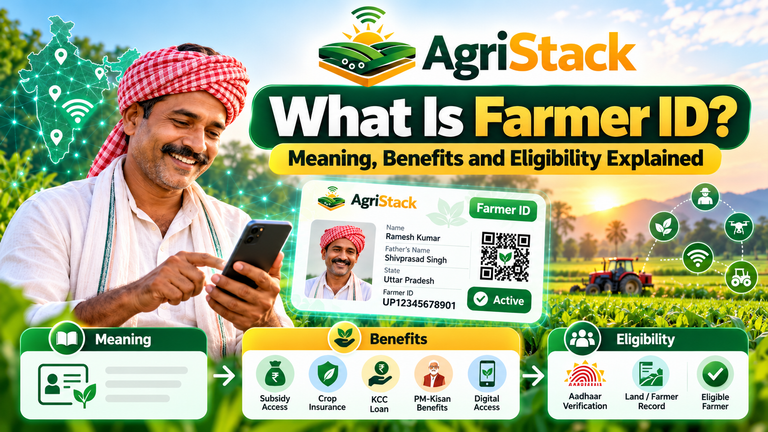
Farmer ID is a digital identity connected to the State Farmers Registry. It is created through state-managed workflows that link a farmer’s identity with verified land records. It is not the same thing as an Aadhaar card, a PM-Kisan payment number or a new proof of land ownership. This matters because many web pages compress different tasks into the same phrase. Reading the exact government instruction for your state prevents the wrong application, a failed search or unnecessary visits.
How registration generally moves from request to approval
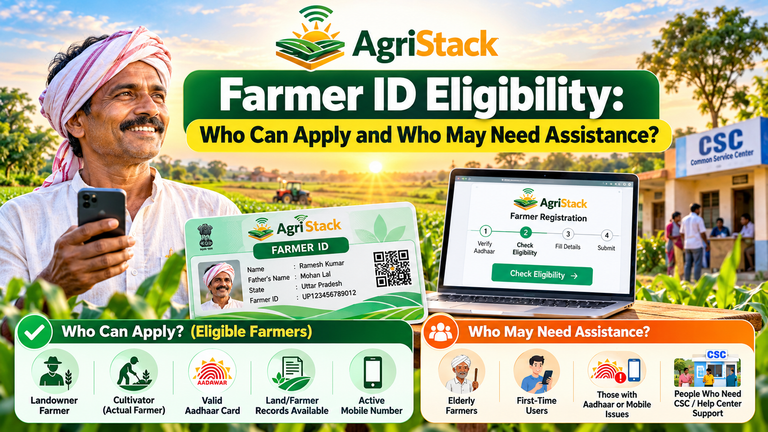
Start by choosing your state from the official AgriStack or state-government website. Read the eligibility page, prepare identity and land information, and use the state-supported self-service or assisted path. Verify the displayed data before agreeing to submit. Save the acknowledgment and check status later. The final ID depends on validation, not just clicking submit.
How to use login safely
Only sign in from a bookmarked official state domain. Check the web address carefully before entering a mobile number or Aadhaar-related information. Never pass OTPs to someone offering “instant approval.” A government service does not become official merely because its design resembles a government portal.
What the official record can show
A registry record may combine identity details with land and crop information drawn from approved state systems. That is useful for services, but it also means a mistake in the source land record can affect the result. Think of registration as a verification workflow, not merely a form you submit.
The detail that often causes confusion
People sometimes expect a single national screen to show every state and every service. AgriStack provides a shared framework, while participating states manage their own registration processes. A button shown in an online tutorial for one state may not appear in another state.
When to stop and ask for human help
If the portal displays a mismatch in the name, plot number or ownership details, repeated submissions rarely fix the source record. Take the reference number and relevant documents to the state help desk, land-record office or authorized enrollment centre for direction.
A useful real-world example
Imagine a farmer with two agricultural plots and a recent land mutation. One plot may appear in the computerized record while the other is still being updated. The sensible next step is to verify the missing plot with the local revenue office, not to create a second identity.
What this means for the coming season
A farmer planning an insurance application or crop sale may benefit from checking the registry early. Digital systems are intended to reduce repetitive document checks, but the actual enrollment and approval conditions still belong to each scheme.
Step-by-step guide for farmers
The following checklist is a safe general route rather than a claim that every state displays identical buttons. Use it when you are checking an existing record, preparing an application or asking for help with the AgriStack Farmer ID. Each action should be confirmed against the state portal.
Step 1: Confirm the purpose
Decide whether you need to register, retrieve a reference, verify a status, understand eligibility or use a scheme. Different tasks can have different pages. Write down the exact action before opening the portal so you do not mistake a news article for an application form.
Practical tip
Keep the official page open while following the instructions so that a forwarded tutorial does not redirect you elsewhere.
Step 2: Identify the responsible state
AgriStack operates through state and union territory registries. Check which government holds the land record for your farm. A portal from another state will not necessarily find your plot or show your application.
Practical tip
Write the state name and service purpose at the top of your notes. It is easy to confuse different registries.
Step 3: Gather reliable documents
Keep your identity details, land record or plot information, active phone and earlier acknowledgment nearby. State and applicant categories may require different proofs. Never upload more personal information than the official portal specifically requires.
Practical tip
Store only necessary paperwork securely; avoid sharing complete identity scans in public groups.
Step 4: Compare every displayed field
Read the spelling of the name, land record reference, district, village and plot information. If two systems disagree, note the exact mismatch. Do not guess or edit official records through unapproved agents.
Practical tip
If the displayed information is wrong, take a note of the field and the correct source document.
Step 5: Save evidence of the action
Retain an acknowledgment, application reference, date and screenshot that does not expose credentials. These details help a local officer locate a case and separate an unsubmitted draft from a pending request.
Practical tip
The submission date and reference are often more useful than a general screenshot of the home page.
Step 6: Follow up through the original channel
Return to the official state portal or authorized help desk for progress. Do not create repeated applications just because an update has not appeared. Processing time and approval steps differ by state.
Practical tip
A genuine status result comes from the state or scheme, not from a promise made in a comment section.
Who can register and what the state checks
Before proceeding, ask whether the action relates to a Farmer ID itself, a state land record or a separate support scheme. Some services are connected technically but remain administratively different. A registration page is not proof of an approved benefit.
Which official website should you use?
Begin with the official AgriStack website and follow the appropriate state government route. For examples of state portals, review Uttar Pradesh Farmers Registry, Maharashtra Farmers Registry or Madhya Pradesh Farmers Registry. These examples do not mean a resident should apply in all three states.
How to recognize an official route
Check the domain spelling and government branding, then verify the portal by navigating from the government’s own website. Be cautious of search advertisements, shortened links and pages promising an instant card or a paid shortcut. Only a real state-issued record should be treated as authoritative.
Registration from start to finish
Accuracy is more valuable than submitting quickly. A small mismatch in name, plot reference or location can lead to an administrative query. Read every screen carefully and keep a way to contact the office responsible for the data.
Example: a family farm with a changed land record
Suppose a family’s agricultural plot moved into a successor’s name this year. The old record may still appear in a digital database while the updated mutation is being processed. In that case the sensible action is to confirm the revenue record and ask the state office how its registry reflects the change. Submitting the same data again and again can create confusion.
What to record before asking for assistance
- Name of the state, district and village as recorded on official documents.
- Application or enrollment reference, if one was issued.
- The type of action attempted and the date it was attempted.
- The exact error message, without forwarding secret codes or account passwords.
- The appropriate land-record reference or correction acknowledgment, where relevant.
How to sign in and check enrollment status
After an online action, keep the acknowledgment and return to the same official system when checking progress. A draft, a submission receipt, a pending verification and a final approved record are not interchangeable. State help channels can clarify the meaning of the status displayed.
Common problems and practical solutions
Mobile OTP does not arrive
Check network reception and the number associated with your official record. Avoid repeatedly requesting codes in a few seconds. If the registered number is inactive, follow the state-supported correction or assisted enrollment path.
Name and land record do not match
Compare spelling, initials, surname order and village records. The correction may need to be made in the underlying identity or revenue record rather than on the Farmer ID screen.
Land plot is missing
Check whether mutation, inheritance or land digitization is complete. The local land-record or revenue office can explain whether the digital plot exists and what needs to change.
An application stays pending
Keep the enrollment reference and check the official state status route. If a long period passes without any update, ask the authorized local support team about verification rather than starting another application.
A different state has your farmland
Ask the local registry officials about the multi-state process. The national framework anticipates one final ID against Aadhaar even when land exists in more than one state; draft state enrollment references are different from that final ID.
A service asks for payment to unlock an ID
Verify the exact charge from an official government notification or the authorized service counter. Be especially cautious about messages demanding money for “instant verification” or claiming that a new PDF download is compulsory.
When to contact a local officer instead of retrying
There are situations in which an officer’s explanation is more helpful than another online tutorial. These include disputed or undigitized land information, multi-state holdings, unclear eligibility, inheritance and an application that fails official verification. Ask the responsible state office for the documented next step.
Questions to ask at a government help desk
- Is my current record only a draft, or has a final Farmer ID been approved?
- Which department is responsible for correcting the field that does not match?
- Does this state provide the exact service or download option I am looking for?
- Can I obtain a dated acknowledgment or complaint reference?
- Where is the current official notice for a rule, fee or deadline?
Privacy, consent and common scams
AgriStack involves personal and farming information. The August 2026 government statement explains that the framework is designed around farmer consent, state ownership of registry data and safeguards for authorized data sharing. That does not mean a farmer should supply information to every website that uses the AgriStack name. Use official forms, read consent notices and keep OTPs private.
Be especially careful when a social media post promises “guaranteed approval,” an unofficial site asks you to upload all land documents, or a stranger offers to fix your account for an unverified fee. If something looks suspicious, close the page and restart your search from an official website.
Related AgriStack guides
These articles explain connected topics without repeating the same page:
What Is Farmer ID? Meaning, Benefits and Eligibility Explained
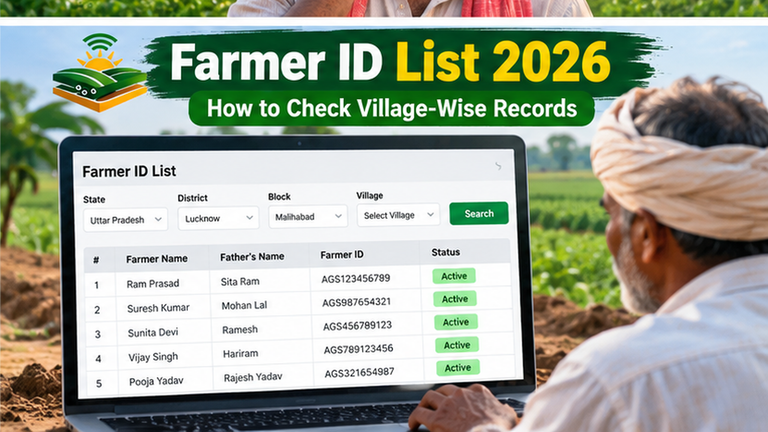
Farmer ID List 2026: How to Check Village-Wise Records
Farmer ID vs Kisan Credit Card: Key Differences Explained
If you need state-specific assistance, check the AgriStack information home page and confirm the relevant state portal. For scheme-related questions, the official PM-Kisan website is a separate resource.
Frequently asked questions
Can I use a Farmer ID without an internet connection?
You may be able to receive support at a government-authorized enrollment centre or local camp, where offered. The availability and procedure depend on your state.
Is the enrollment reference the final Farmer ID?
No. Official technical guidance distinguishes a draft or enrollment ID from the final Farmer ID generated after the relevant approval process.
Will a Farmer ID prove legal ownership of land?
No. It supports service-related identification and association with land records; it does not replace legal land ownership records or resolve title disputes.
Can two states issue two final Farmer IDs for the same person?
Official clarifications describe a single final Farmer ID against Aadhaar even where a farmer holds land in several states. State-level enrollment references are not the same as final IDs.
Does every state allow a PDF card download?
No. The official clarification leaves printed cards and digitally verifiable credentials to the state government.
Can I receive PM-Kisan benefits only because I have Farmer ID?
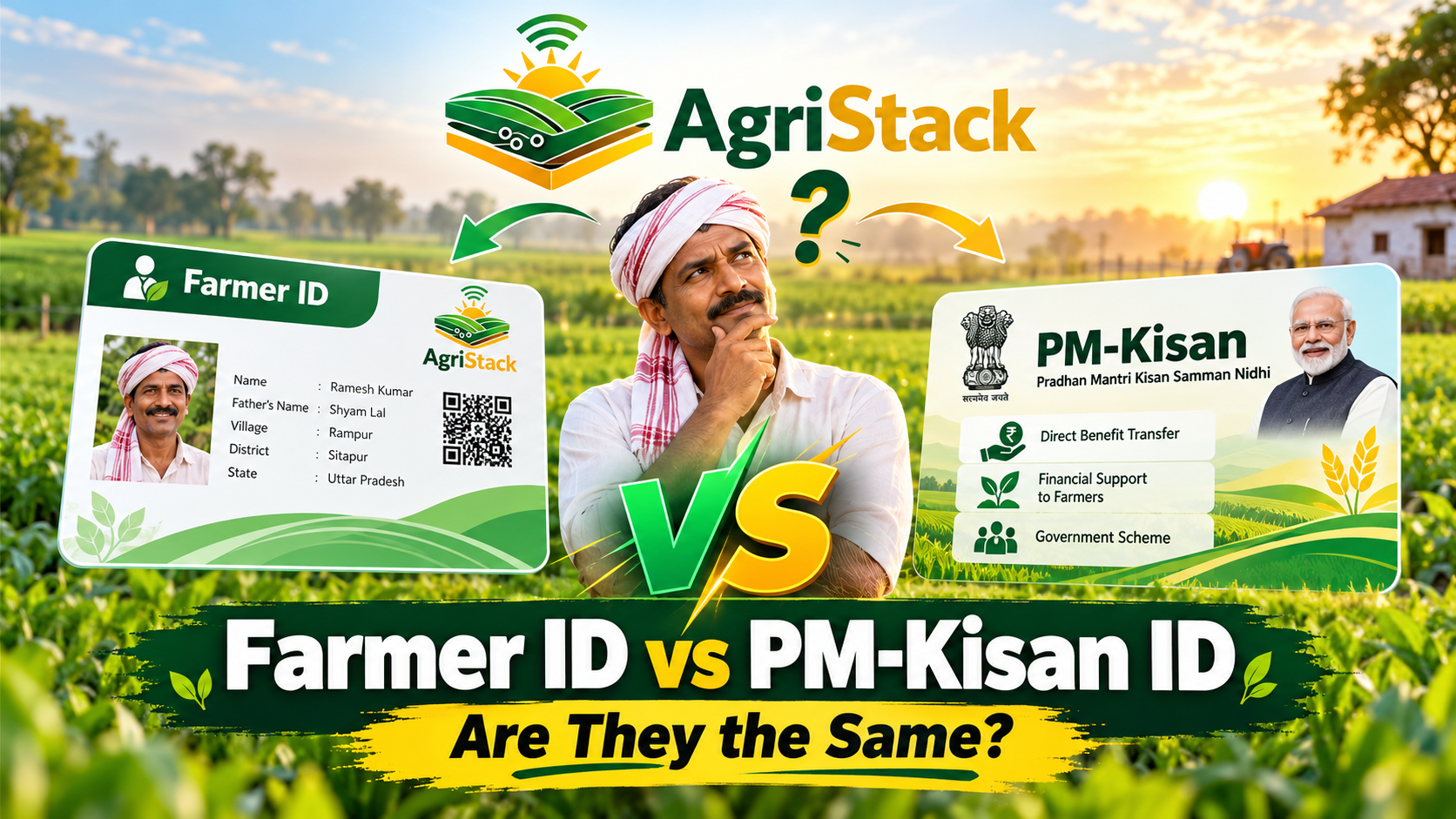
No. PM-Kisan has separate eligibility and verification requirements. Check beneficiary information on the official PM-Kisan website.
What should I do if my details are wrong?
Document the mismatch and use the state-authorized correction, grievance or revenue-record route. Avoid third-party agents who claim they can edit a government database immediately.
Conclusion: the safest next step
The most useful next step for AgriStack Farmer ID is to identify the correct state system, verify the record or requirement, and keep clear proof of every official action. A Farmer ID can make digital agricultural services more convenient, but accuracy, privacy and state-specific procedures still matter. A reliable guide should help you find the right office rather than promise instant approval.