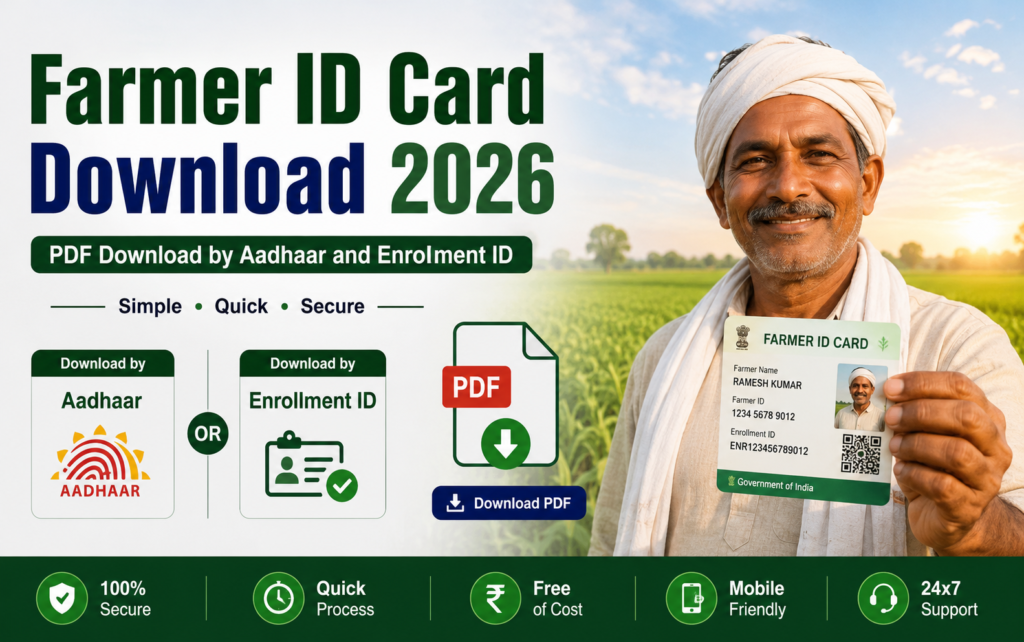
Farmer ID Card Download 2026: PDF Download by Aadhaar and Enrollment ID
Your Farmer ID card is a free PDF that proves your registry identity anywhere: banks, procurement centres, scheme camps. Once your registration shows approved, downloading takes five minutes. This post gives the exact steps, the CSC route if you cannot do it yourself, what every element on the card means, and the fixes for the common download failures.
If your application is still pending or you have not applied yet, the card cannot exist; check where you stand first with our status check guide, or start from the farmer registration guide if you are new to this.
Before downloading: what you need
Three things: your registration approved (the SMS with your 11-digit ID confirms it), your registered mobile number, and the password you set during registration. No fee exists at any step, and the card can be downloaded and reprinted unlimited times.
How to download your Farmer ID card: step by step
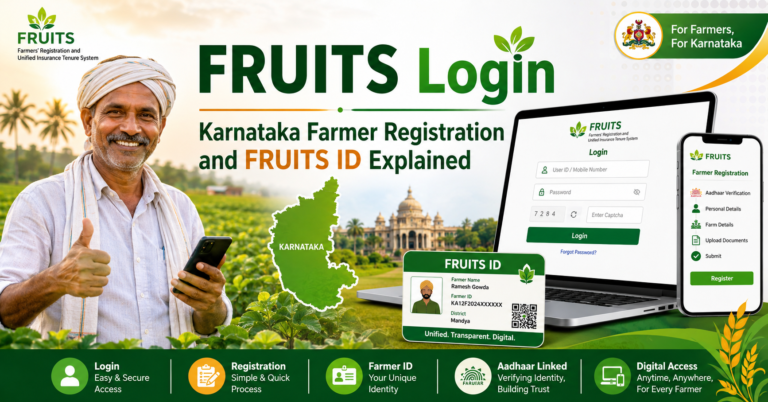
Step 1: Open your state’s Farmer Registry portal, the same one where you registered. The pattern is your state code plus fr on agristack.gov.in: upfr for UP, mpfr for MP, gifr for Gujarat, mhfr for Maharashtra, rjfr for Rajasthan, bhfr for Bihar. Odisha farmers use Krushak Odisha and Karnataka farmers use FRUITS. Confirm the address ends in gov.in before typing anything.
Step 2: Click the Farmer login option and enter your registered mobile number and password. Forgot the password? The forgot-password link sends a reset OTP to your Aadhaar-linked mobile.
Step 3: Your dashboard opens showing your Farmer ID. Look for the button named Download, Print, or View Farmer Details depending on your state’s build.
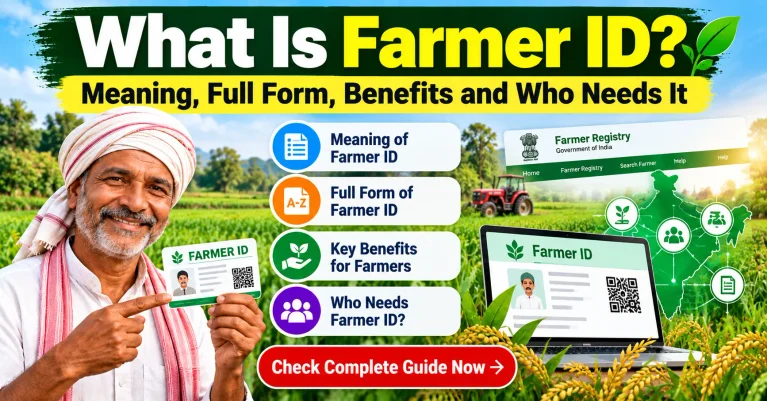
Step 4: Click it. The PDF card opens or saves, carrying your photo, name, 11-digit ID and QR code.
Step 5: Save the PDF in your phone and, if you use DigiLocker, keep a copy there too. Then take one colour printout.
Step 6: Store the print with your Aadhaar and bank passbook, and avoid folding it across the QR code; a creased code fails scans and sends you back to manual verification queues.
Downloading through a CSC centre
Carry your Aadhaar and your registered mobile to any CSC or Jan Seva Kendra. The operator logs into the portal, pulls your record, and prints the card, usually against the small notified service charge. Two checks at the counter: the printout should carry the QR code clearly, and if the operator cannot log in because his number was registered instead of yours during enrollment, get the mobile corrected there before anything else, a trap common enough that we flag it in every guide.
What each element on the card means
| Element on the card | What it means |
|---|---|
| Photograph | Pulled from Aadhaar during eKYC; card errors here are Aadhaar errors |
| Name | Your Aadhaar-verified name, matched against the land record at approval |
| 11-digit Farmer ID | Your permanent registry number, one per farmer for life |
| QR code | The working part: officials scan it to see your live registry record |
| State and issue details | Which state registry issued the card and when it was generated |
The QR code is the working part. An authorised official scans it and your live registry record appears, photo included, which is why a photocopied or edited card fails instantly: the paper is only a window, the record is the proof.
When the download fails: fixes
Approved SMS came, but the dashboard shows nothing. Systems take a day or two to sync after approval. Wait, then log in again; the dashboard updates before the public search does.
Login works but no download button. Some states enable the card a step after ID generation. Check under View Farmer Details, and if genuinely absent after a week, ask your krishi sahayak to check the record flag.
Password lost and OTP not arriving. The Aadhaar-mobile linking is broken. Fix it at an Aadhaar Seva Kendra, or use the CSC fingerprint route to access your record meanwhile.
Wrong photo or name on the card. The card mirrors Aadhaar. Correct Aadhaar, and the card refreshes at the next sync; registry-side corrections for Aadhaar-borne errors bounce. The full explanation of what lives where sits in our Farmer ID guide.
PDF opens blank or corrupted. Try another browser or the download-again option; server load during camp drives produces broken files that regenerate fine an hour later.
Frequently asked questions
Is the Farmer ID card download free?
Completely. The portal charges nothing, any number of times. Only a CSC’s small notified service fee applies if an operator does it for you. Anyone selling the card or fast processing is a fraudster.
Can I download the card by Aadhaar number without login?
The card itself sits behind your login. What works without login on most portals is the status and know-your-ID search by Aadhaar; for the PDF, log in with your mobile and password, or use the CSC route with fingerprint verification.
Does the card expire? Do I re-download yearly?
No expiry, no renewal. The card is a window to your live record, so a print from two years ago remains valid as long as your registration is active. Re-download only after corrections, so the print matches the record.
My state shows a different card format than my neighbour’s state. Is mine valid?
Yes. States render the card with their own layouts on the common national design. The elements that matter, your photo, the 11-digit ID and the QR code, appear on all of them, and every version verifies against the same registry.
Can someone misuse my card if they photograph it?
The card reveals your name, photo and ID, none of which is secret, and the QR resolves only through authorised apps for defined purposes. What must never be shared is your OTP or portal password; with those protected, a photographed card cannot move your benefits anywhere.