FRUITS Login: Karnataka Farmer Registration and FRUITS ID Explained
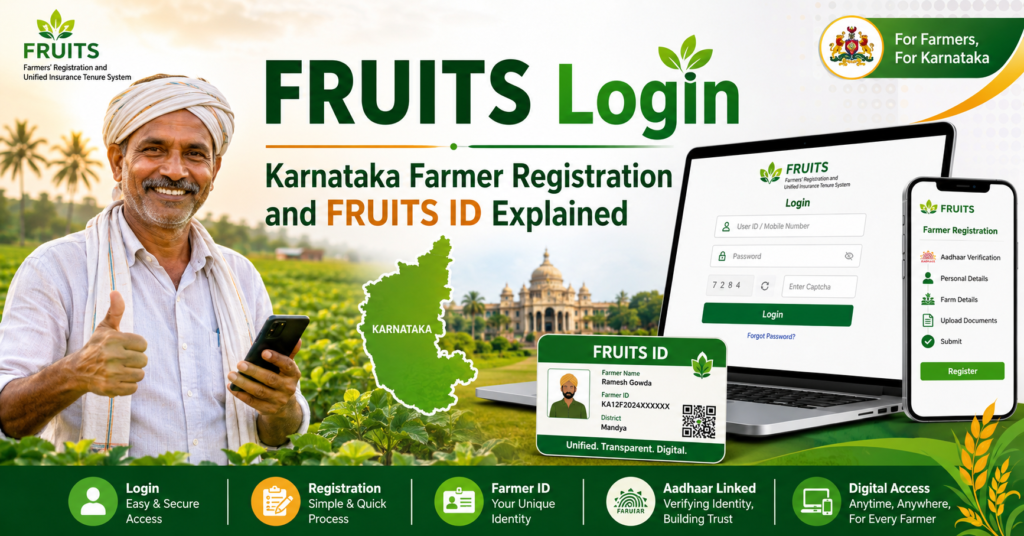
FRUITS stands for Farmer Registration and Unified beneficiary Information System, Karnataka’s farmer database at fruits.karnataka.gov.in, running years before the national registry existed. Every registered Karnataka farmer holds a FRUITS ID (FID) linked to land records, and the state’s schemes, crop loans and procurement read it. This post covers the login, new registration, what the FID does, and how FRUITS fits with the national Farmer ID now that AgriStack has arrived.
One quick disambiguation, because searches mix them constantly: FRUITS is Karnataka’s system. Maharashtra farmers searching fruit-related logins usually want their own registry or fruit-crop schemes; our Maharashtra guide covers that side.
What is the FRUITS portal?
Karnataka built FRUITS as one verified farmer database for every department: agriculture, horticulture, sericulture, animal husbandry and the banks. Registration links your identity to your land through the RTC (pahani), and the FID becomes your number everywhere, including crop loan processing where banks pull your land from FRUITS instead of paper RTCs. Karnataka also runs its crop survey through farmer-facing apps, so the FID connects to season-wise crop records too.
When AgriStack arrived nationally, Karnataka aligned FRUITS with it rather than building a parallel registry, which is why Karnataka farmers largely do not re-register from scratch: the FRUITS base carries forward, serving the role the 11-digit Farmer ID plays in other states.
FRUITS login: step by step
Step 1: Open fruits.karnataka.gov.in directly in your browser and check the gov.in ending.
Step 2: Choose the Citizen login (farmers) rather than the department options.
Step 3: Enter your registered mobile number or FID and the password, or use OTP-based entry where offered.
Step 4: Solve the captcha and log in. Your dashboard shows your FID, linked land, and scheme connections.
Password lost? The reset rides your registered mobile. If that mobile itself is dead, the Raitha Samparka Kendra (RSK) or your taluk agriculture office corrects the record with your Aadhaar.
New farmer registration on FRUITS
Step 1: On the portal, choose Citizen Registration.
Step 2: Complete Aadhaar authentication by OTP on your Aadhaar-linked mobile, or by fingerprint at an assisted centre.
Step 3: Fill your details and create the login with your mobile number.
Step 4: Add your land: select district, taluk, hobli and village, then your survey numbers, and the system fetches the RTC entries. Select your own name against your share, every survey number, every village.
Step 5: Submit. Verification runs against the land record, and your FID generates on approval.
If land records show the late father or a pending mutation, complete the mutation first through the tahsildar; the registry can only read the record as it stands. The general logic, joint holdings, name mismatches and biometric routes, matches the national process in our farmer registration guide.
FRUITS ID and the national Farmer ID
| Point | FRUITS ID (Karnataka) | National Farmer ID (other states) |
|---|---|---|
| What it is | Karnataka’s farmer identity from fruits.karnataka.gov.in | 11-digit ID from each state’s AgriStack registry |
| Built on | RTC (pahani) land records plus Aadhaar | State land records plus Aadhaar eKYC |
| Since | Running years before AgriStack | Rolled out from 2024 onward |
| Status now | Aligned with the national registry; carries forward | The current standard in every other state |
| What you do | Keep the FRUITS record verified and current | Register once on your state portal |
Practical rule for a Karnataka farmer: keep your FRUITS record clean and current, and you are covered on both sides, state schemes reading FID and central systems reading the aligned registry. New farmers register once on FRUITS, not twice.
Where the FID gets used
Crop loans are the famous case: Karnataka banks process agricultural loans against the FID, pulling verified land instantly. Beyond that, input subsidies, horticulture schemes, procurement registrations, the crop survey apps where farmers photograph their own crops, and calamity relief lists all read the same record. PM-Kisan’s central requirements, eKYC, bank seeding and registry linking, apply in Karnataka as everywhere.
Frequently asked questions
Is FRUITS registration free?
Yes, at every step. Assisted registration at an RSK or CSC carries at most the small notified service charge. Nobody genuine sells FIDs or fast approval.
I have a FRUITS ID. Do I need a separate AgriStack Farmer ID?
Karnataka aligned FRUITS with the national registry, so the FRUITS base carries forward and serves the Farmer ID role. Keep your record verified and current; if a central system asks for registry identity, your aligned record answers it.
How do I find my FID if I lost it?
Log in with your mobile number and check the dashboard, or visit your RSK with Aadhaar and they pull it in a minute. The FID also appears on documents from past scheme applications and loan files processed through FRUITS.
Can tenant farmers register on FRUITS?
The system is built on the RTC, so owner cultivators register directly. Tenant coverage follows the state’s evolving rules; ask your RSK what currently applies, and never register another person’s survey number as your own.
My bank says my FRUITS land data is wrong. Where do I fix it?
The record mirrors the RTC. Fix the land record first through the tahsildar (mutation, correction), confirm the RTC shows right, and the FRUITS record follows. Bank-side refreshes happen at the next pull.