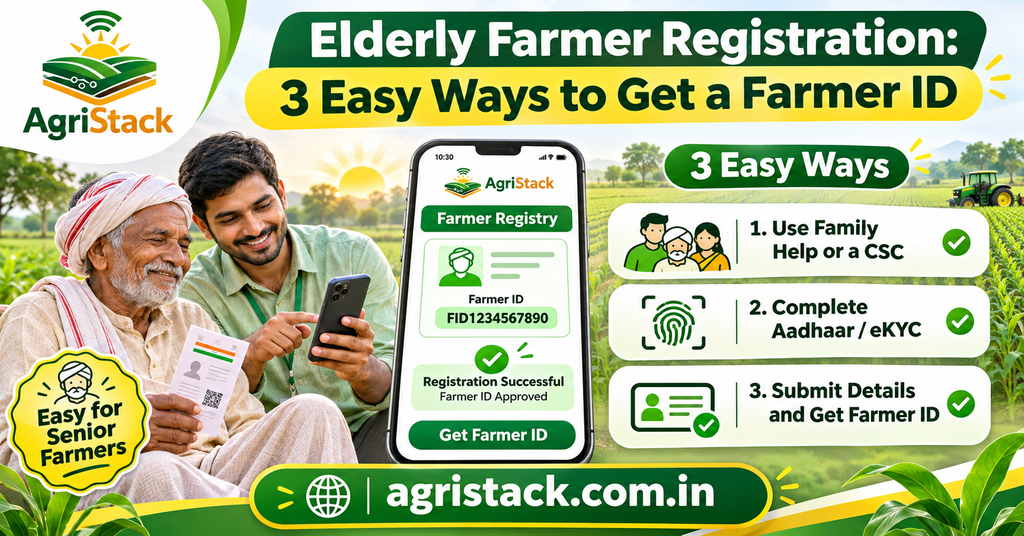
Elderly Farmer Registration: 3 Easy Ways to Get a Farmer ID
For elderly farmer registration on the Farmer Registry, family members can handle most of the work, but the Aadhaar verification and final consent must use your parent’s own Aadhaar, either by OTP on their Aadhaar-linked phone or by fingerprint at a CSC. Register them under their own Aadhaar, in the state where their land is, and for the easiest experience, use a village camp.
Elderly Farmer Registration: Who Does What
| Step | Who does it |
|---|---|
| Aadhaar eKYC | Parent’s Aadhaar: OTP on their linked phone or fingerprint |
| Filling details and choosing land | You can do it |
| Final e-sign consent | Parent’s Aadhaar OTP |
| Status check and follow-ups | You can do it |
| Card download | You can do it with their login |
Before You Start Elderly Farmer Registration
Check the Aadhaar-Linked Mobile
Find out which number is linked to your parent’s Aadhaar. If it’s an old or lost number, update it at an Aadhaar Seva Kendra first. This is the most common blocker in elderly farmer registration.
Check the Land Record
Make sure the land is in your parent’s name and spelt like their Aadhaar. If it’s still in a grandparent’s name, complete mutation first. The official Farmer Registry FAQ lists a deceased owner without mutation as a common reason for rejection.
Documents to Keep Ready
- Parent’s Aadhaar card
- Phone with the Aadhaar-linked SIM
- Land record copy with survey, khasra or patta numbers
- Bank passbook
Three Ways to Complete Elderly Farmer Registration
| Option | Best for | Parent needs to travel? |
|---|---|---|
| Village camp | Most elderly farmers; record problems | Short distance |
| CSC with fingerprint | OTP not working | Yes |
| Online from home | Parent’s Aadhaar phone works | No |
Option 1: Village Camp
Agriculture and revenue staff sit together and can fix small issues on the spot. Ask your gram panchayat or krishi sahayak for the date.
Option 2: CSC With Fingerprint eKYC
Why it helps
If OTP doesn’t work, many CSCs can verify by fingerprint. Older fingerprints sometimes fail; ask whether other methods are available, or update biometrics at an Aadhaar Seva Kendra.
Before you leave the CSC
Check that your parent’s or a family member’s mobile number is on the record, not the operator’s, and collect the printed Enrollment ID slip.
Option 3: Online From Home
- Open the state portal and choose Farmer.
- Create an account with your parent’s Aadhaar.
- Enter the OTP from your parent’s Aadhaar-linked phone.
- Log in and choose Register as Farmer.
- Add every plot in your parent’s name.
- Check details and complete e-sign with the final OTP.
- Save the Enrollment ID.
Full steps with screenshots are in our farmer registration guide.
If Your Parent Can’t Travel
Ask the agriculture office about nearby camps or home visits. Some states, such as Odisha, have announced that officials will visit farmers who cannot come to a centre.
Common Elderly Farmer Registration Problems
| Problem | Guide |
|---|---|
| Pending for a long time | Grievance and escalation |
| Can’t log in later | Forgot Password not working |
| Some land missing | Land or patta not showing |
| Wrong father/husband name | Wrong Identifier after eKYC |
Elderly Farmer Registration Mistakes to Avoid
- Don’t claim your parent’s land under your own Aadhaar
- Don’t share OTPs with callers claiming to be officials
- Don’t pay agents for guaranteed approval
Frequently Asked Questions
Can I use my own mobile number for my father’s registration?
The eKYC OTP goes to his Aadhaar-linked number. If that phone isn’t available, use fingerprint eKYC at a CSC.
Does my parent need to be present?
For eKYC and e-sign, yes, through their phone OTP or fingerprint. You can do the rest.
My mother co-owns the land. Should she register too?
Yes. Each owner registers under their own Aadhaar for their own share.
What if my father passes away before approval?
His ID will not continue. Legal heirs register after the land is mutated in their names.
Is there an age limit for elderly farmer registration?
No. Any farmer who owns land can register.